
How it works
One house. One realm. Many devices.
The PC is the host. Everyone admitted on your network opens the same Directory — Documents, Calendar, Messaging, Games, Maps, and more — without an account factory.
- 01 Install RealmTerraiN on a computer that stays home.
- 02 Unlock it. Admit the phones you trust.
- 03 Use the apps. The door to the open internet stays shut unless you open it.
On the shelf
Built for life on the LAN.
The same apps that open on the home PC. Each card is one of them.
 DocumentsWrite, calculate, present, and sign a PDF on the home PC.
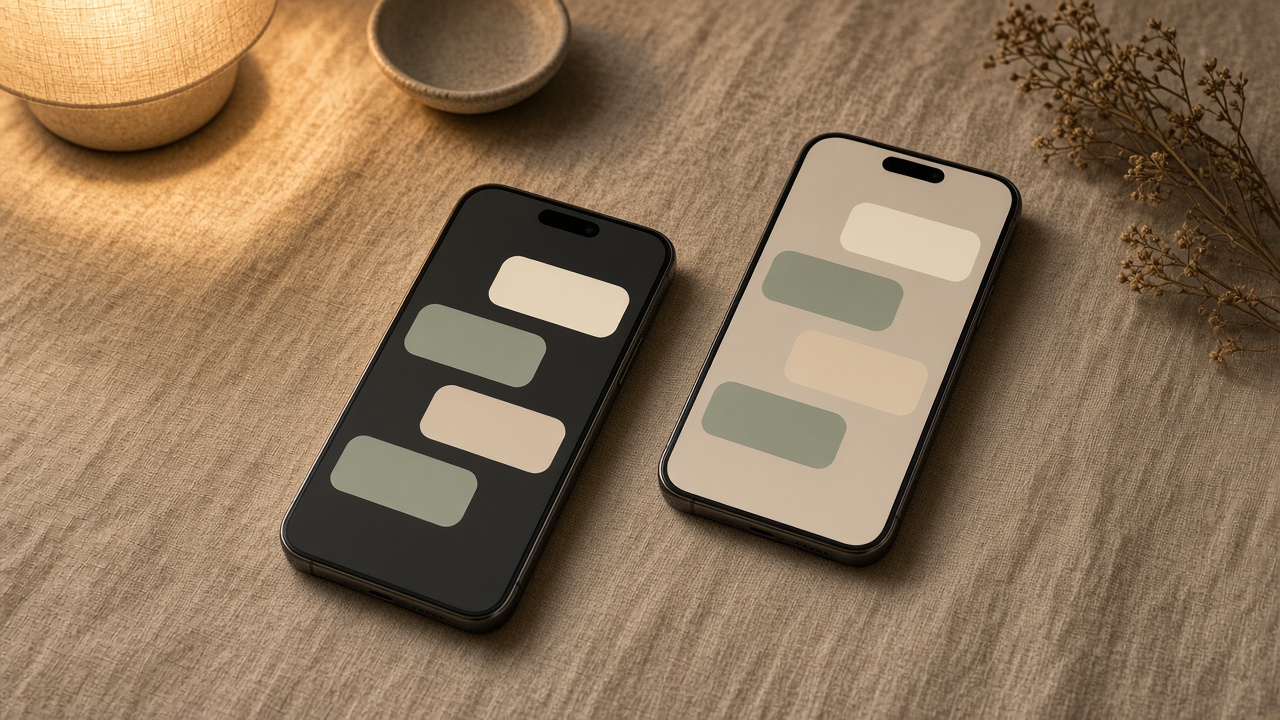 MessagingMessage someone admitted, on the same Wi‑Fi as the home PC.
 MailWrite to someone admitted. The inbox stays on the PC.
 TasksBoards and cards for the house, without a project website.
 CalendarPlan the day, repeat it, and share it with the house.
 WhiteboardDraw and stick notes for a meeting. The board stays at home.
 ContactsThe household phone book. Import it, then leave it on the PC.
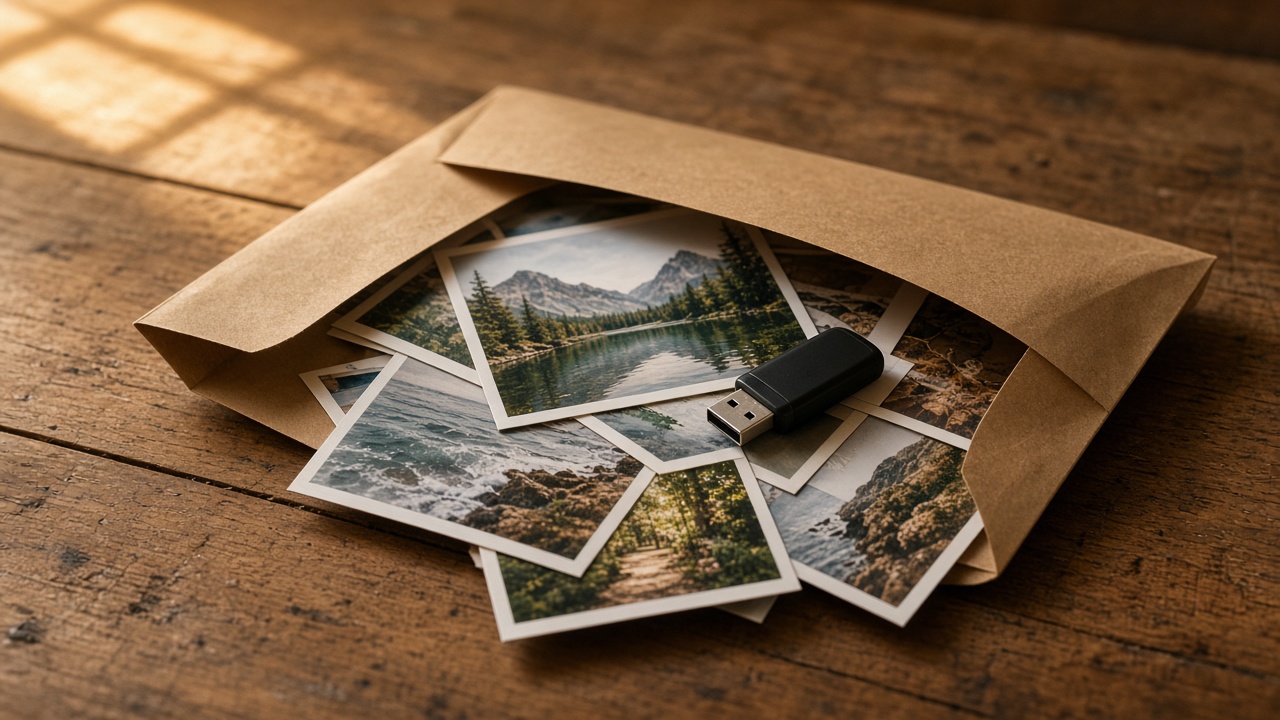 File DropDrop a file on the PC. Someone admitted pulls it from there.
 Family WallShoutouts, birthdays, and photos the house can see.
 RecipesWrite the recipe and set what is for tonight.
 FormsBuild a sign-up or RSVP. Answers come back to the PC.
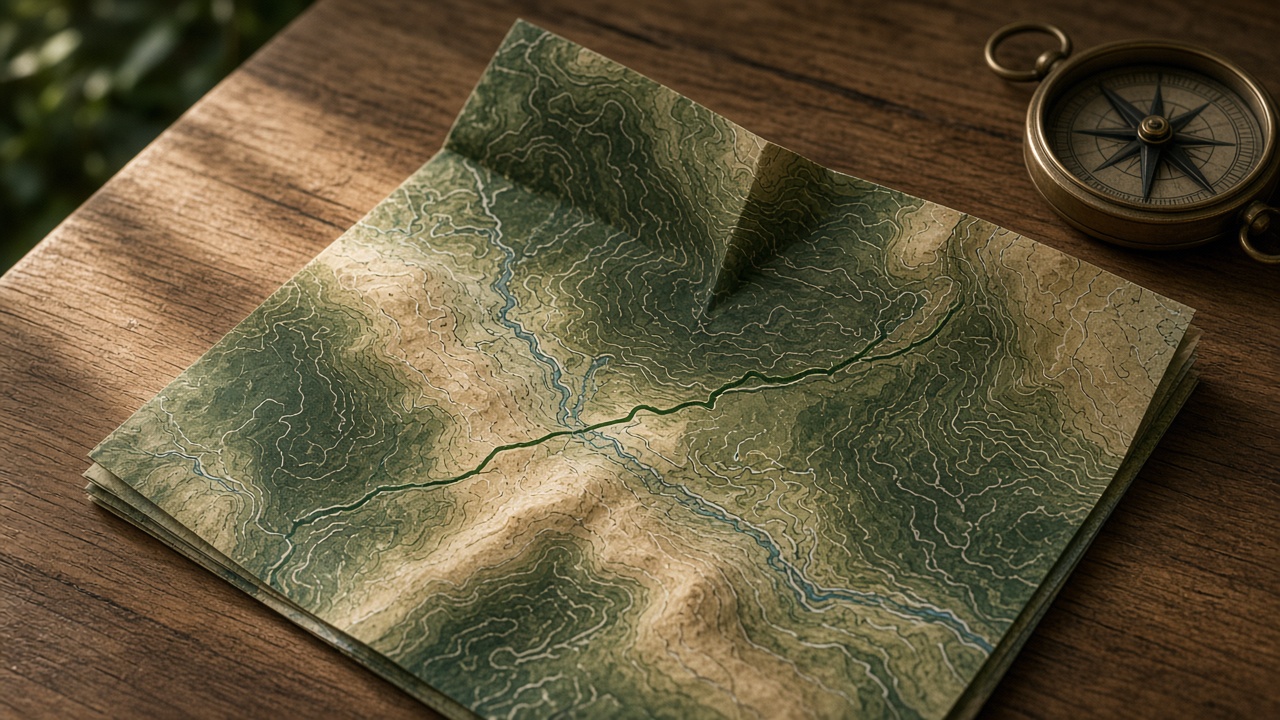 MapsSearch, directions, and what is nearby, from maps on the realm.
 GamesChess, checkers, Scrabble, and the arcade. No game store.
 RealTubeWatch and post video on the realm, not on a public feed.
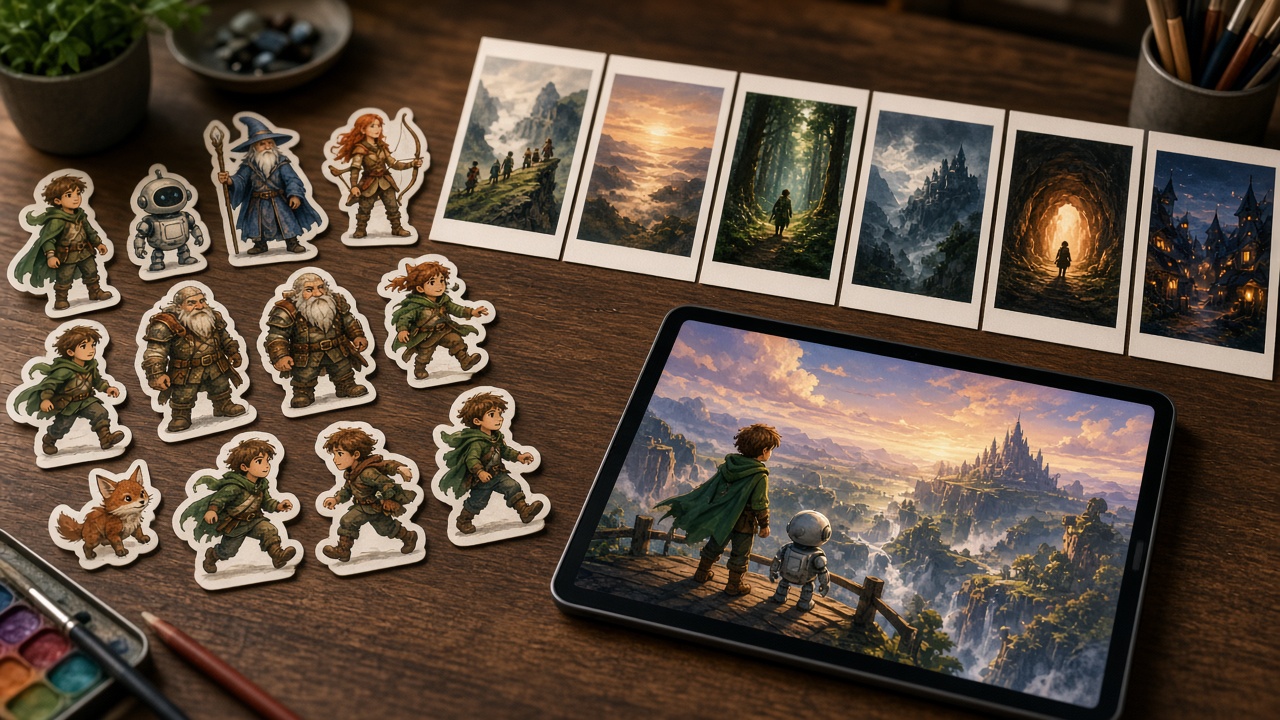 Story StudioBuild a course or a scenario people play on the realm.
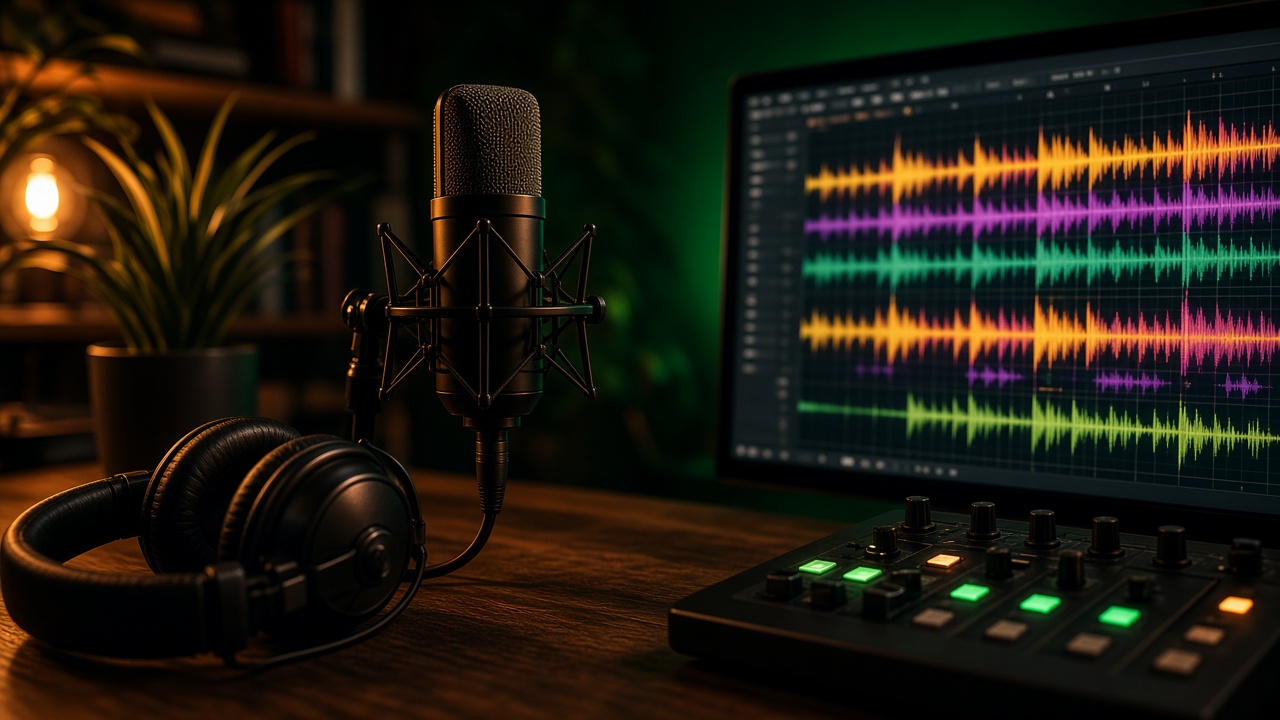 Music StudioRecord, mix, and export a song onto the home PC.
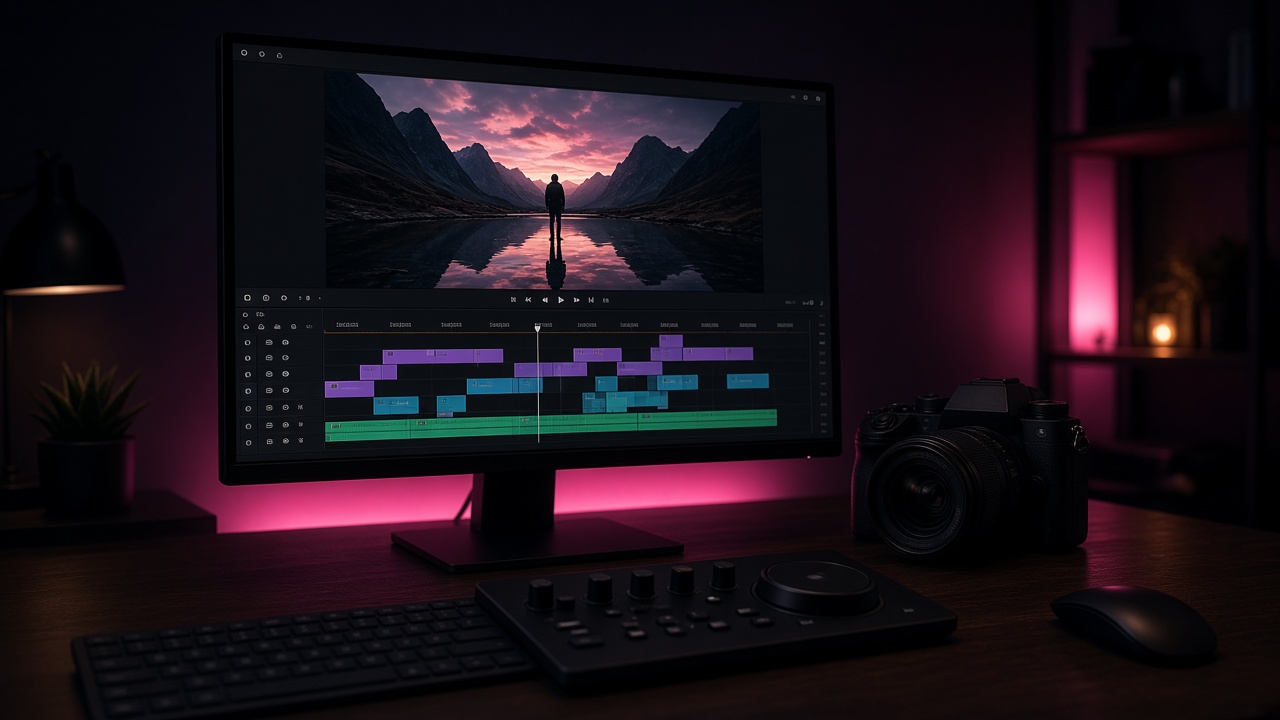 Video editorCut, caption, and export a clip. The file stays on the PC.
 BuildMake a page or a game and publish it on the Directory.
The promise
Marketing here.
Life there.
realmoffline.com is for stories and downloads. Your messages, photos, boards, and files live on the PC that hosts your realm. Away access is optional — and off when you want the door shut.
Get RealmTerraiN
Take it home.
Pick your host. Phones open the realm from the Directory once the PC is running.
Windows
RealmTerraiN.exe host
macOS
RealmTerraiN.app host
Android
Badge & Hotspot
iOS
Badge & Hotspot
Download links can point at your release builds when they’re ready. Until then this page is the look and the promise.